Start with a walk you know
Find your walking area
Add points along your route, and use a direct line where a path isn’t on the map.
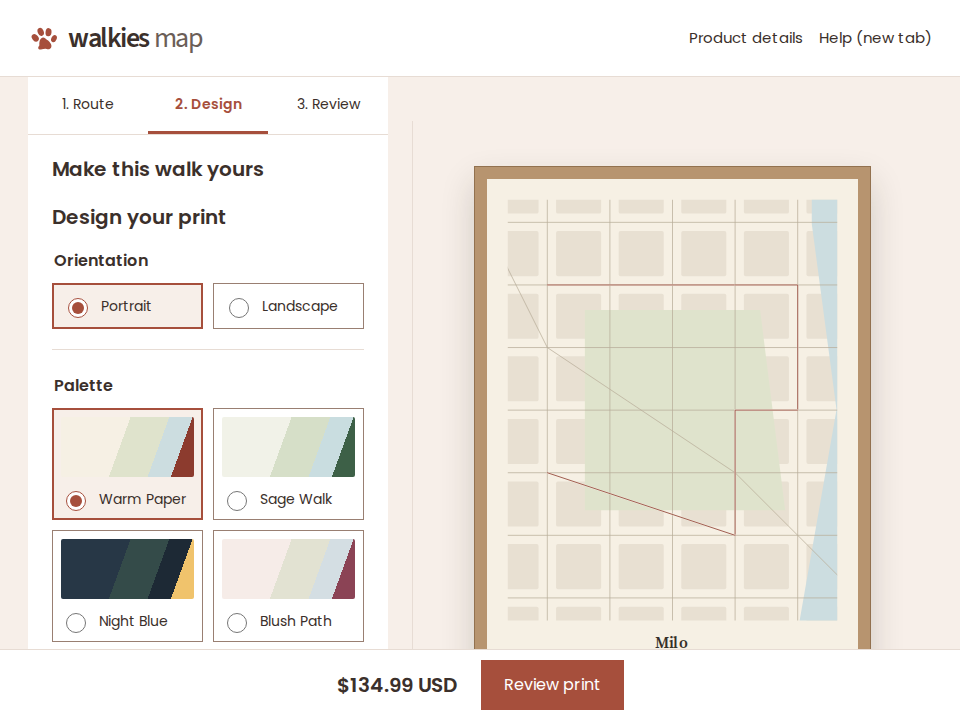
Choose your colors and type
Add a name, place or coordinates, or leave them off.
Review your print and delivery details
We’ll print your approved design and send it to the address you choose.
Select points in the order you walk them. “Walk” follows paths available in the map data. For a missing path or an open space, choose “Direct line” for that part of your route. You can move or remove points before you approve the design.
The place name and coordinates follow the center of the map. Moving the map or changing your route updates them, including words you typed yourself. You can edit them again or turn either line off.
Check the full route, spelling, colors and frame choice in the final preview. Enter your delivery address to see shipping, applicable tax and the date by which your order will ship. Payment is handled by Stripe Checkout.
Create your walk map